How to Create a Winning Client Proposal in Minutes (Step-by-Step)
Create a professional client proposal in minutes, not hours. This walkthrough covers the full workflow, from client details to send.
Key takeaways
- Enter client info once and reuse it everywhere
- Brand identity presets apply your colors, fonts, and logo automatically
- AI generates the full statement of work; pricing becomes a cost summary
- Preview what the client sees, then send a live link and save as a template
A great proposal used to mean hours in a document editor. This tutorial walks the full AdvisorPitch workflow so you can build, brand, and send one in a few minutes.
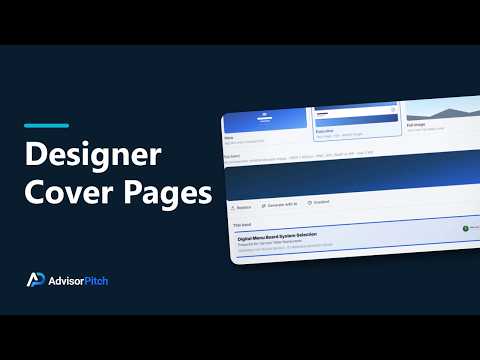
Start by entering your client's details once. From there, create your brand identity: pick a theme and preset so every proposal carries your colors, fonts, and logo automatically. Next, choose a cover page layout that looks like you hired a designer, whether that is a photo hero, an executive band, or a full-image cover.
Then the part that used to take longest: the statement of work. Give the AI a few basics about the engagement and it drafts the full scope, phases, deliverables, and timeline for you to edit. Add your pricing and AdvisorPitch builds a clean cost summary automatically.
Before you send, use the Preview tab to see exactly what your client will see. When it looks right, send a live link instead of a PDF, and you are immediately set up to see when they open it. Save the finished proposal as a template and your next one starts even faster.
This flow works the same whether you are a consultant, an agency, a financial advisor, or any professional-services firm.